
Introduction
What is Clash for Windows?
Clash for Windows is a Windows platform proxy tool based on the Clash kernel. Clash for Windows supports multiple proxy protocols, such as HTTP(S), Socks5, Shadowsocks, VMess, etc. The advantages of Clash for Windows include ease of use, user-friendly interface, powerful functions, support for multiple protocols, etc.
The following will explain how to use Clash for Windows, Clash for Windows tutorials, and Clash for Windows official website.
Clash for Windows is a rule-based cross-platform proxy software core program written in Go language. Currently, it supports three platforms: Windows, Linux, and MacOS.
Clash for Windows is a Clash client on Windows system.
Software screenshot preview
The following is a software screenshot preview of Clash for Windows.
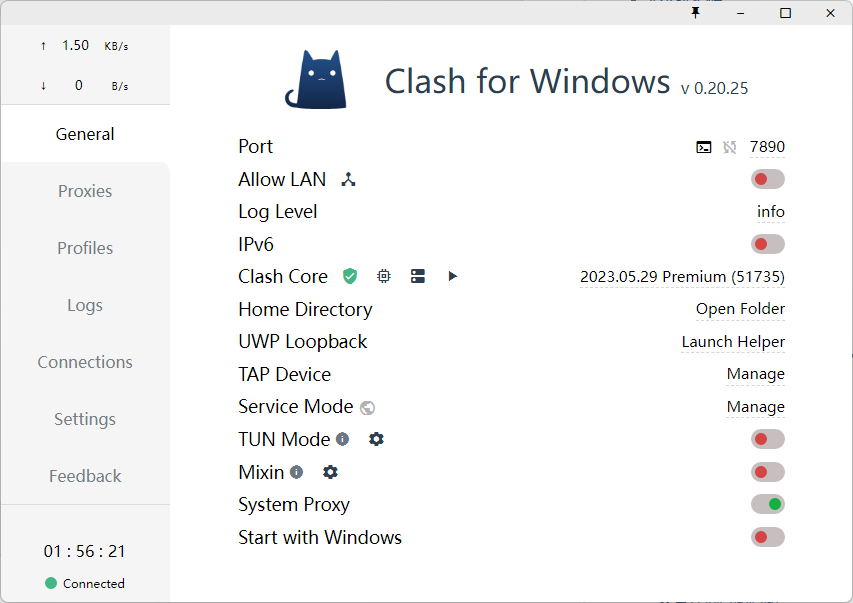
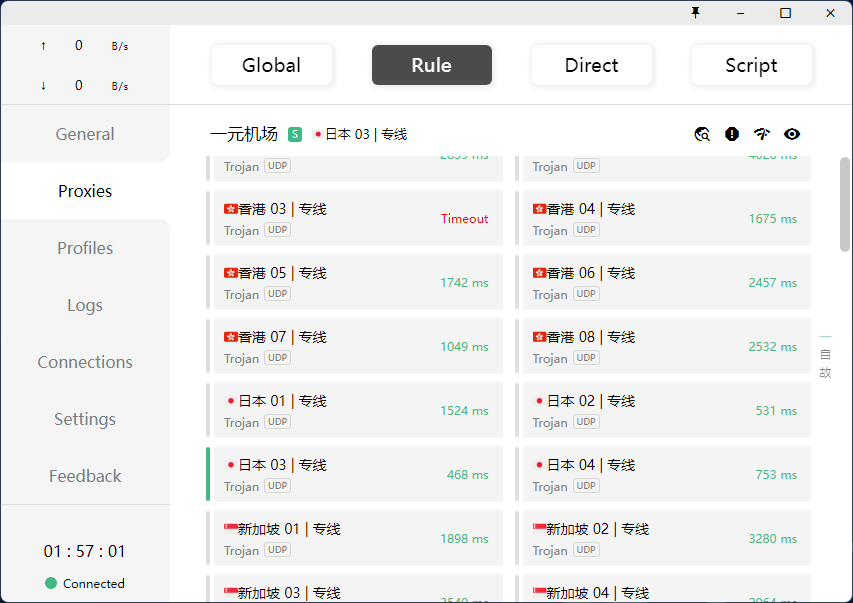
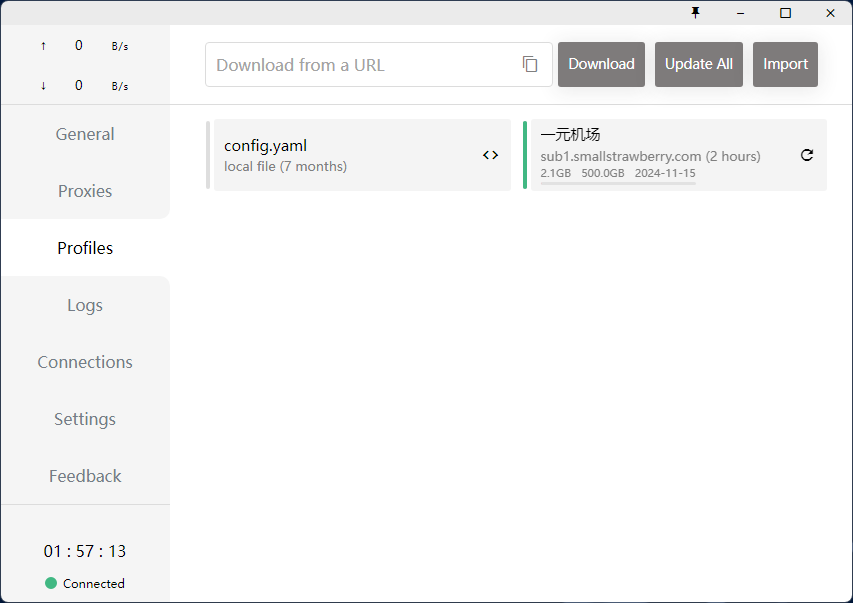
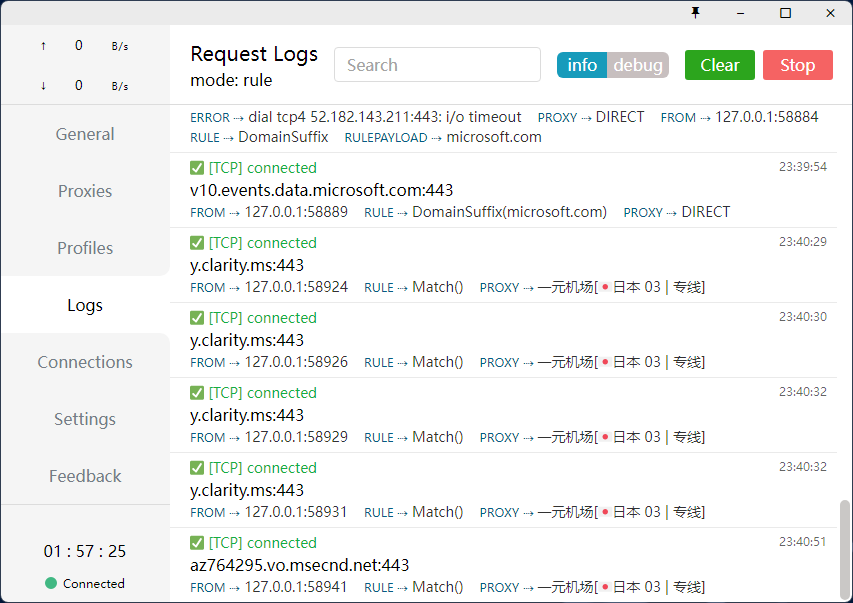
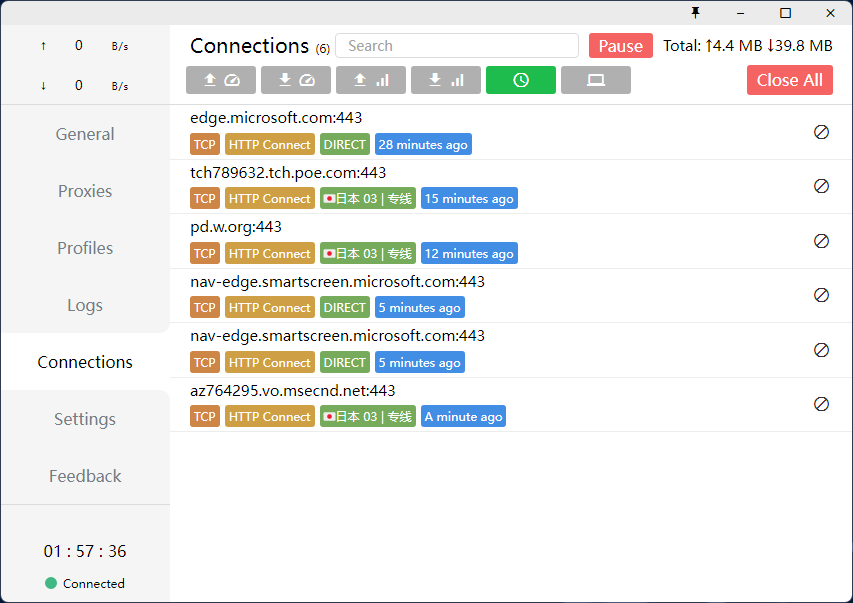
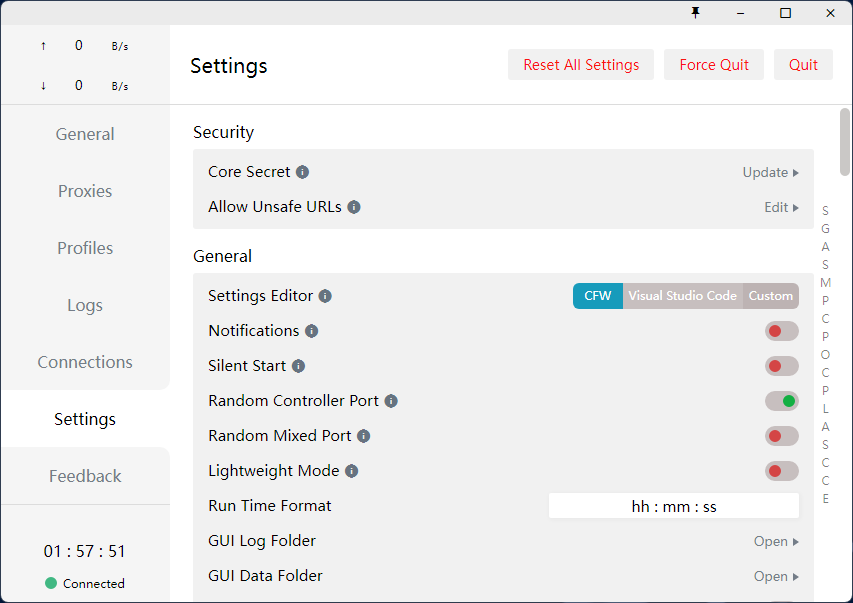
The state of the Clash kernel: from deletion to mihomo
The Clash project appeared in 2018 as open source, establishing the "rule-based proxy + YAML config" approach. In November 2023, the Clash core and several related repositories were deleted by their original authors, and Clash for Windows stopped updating—no security fixes since.
However, the config format was carried forward by the community into the mihomo kernel (formerly Clash Meta), which is still actively developed. Later versions of Clash for Windows bundled a mihomo-lineage kernel, so:
- Subscription URLs are fully interchangeable across Clash-family clients—no need to buy a new plan
- The protocols in this site's Wiki, plus rules and proxy groups, apply to all Clash-family clients
- For a replacement, this site recommends Clash Light (mihomo kernel, Windows/macOS)—see the migration guide
Before downloading historical releases, read the verification notes on the download page.